
Sales by event lists one row per performance with the tickets it sold and the money it made. It is the quickest answer to "what did that show bring in?".
Open the Reports hub (Reports in the admin sidebar) and click Sales by event under Sales & attendance.
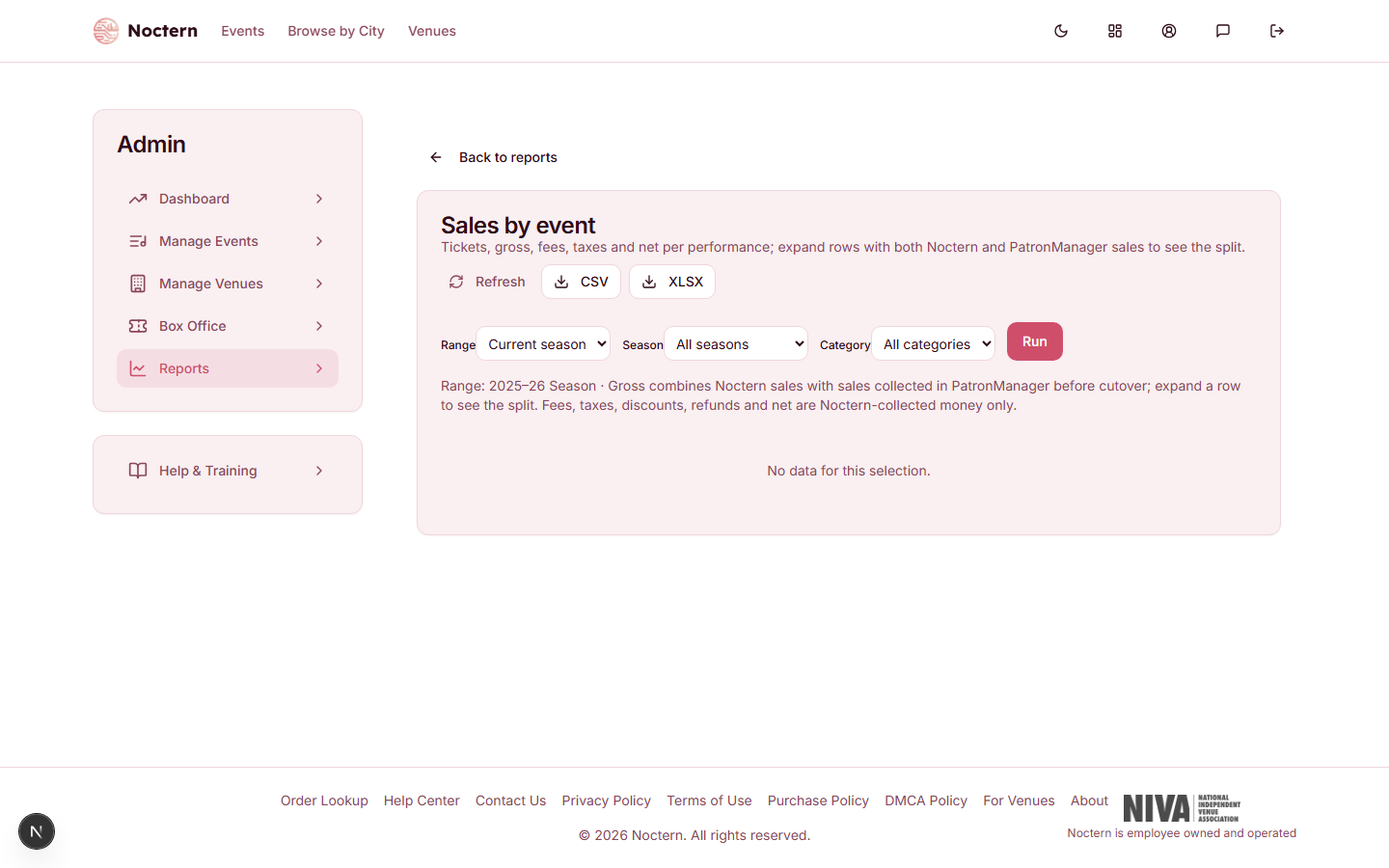
Filters
| Filter | What it does |
|---|---|
| Range | Current season (the default), Last 7 days, Month to date, Prior month or Last 12 months. Performances are picked by their performance date. |
| Season | One of your venue's seasons, or All seasons. |
| Category | One event category, or All categories. |
| Show performances with no sales | Also list performances that have not sold a ticket yet. They are hidden by default. |
Click Run after changing a filter.
Columns
| Column | What it shows |
|---|---|
| Date | Date and time of the performance |
| Event | The show's title |
| Season | The season the performance falls in |
| Source | Where the tickets were sold: Noctern, your previous ticketing system, Both, or — for a performance with no tickets |
| Tickets | Tickets currently held by patrons, from every source. Refunded and cancelled tickets are not counted |
| Noctern Tickets | The part of Tickets sold through Noctern |
| Imported Tickets | The part of Tickets imported from your previous ticketing system |
| Gross | Face value of the Noctern tickets |
| Fees | Everything buyers paid on top of ticket price and tax: Noctern's service and card fees, ticket delivery fees, day-of-show upcharges, and your own box office fee |
| Taxes | Sales tax collected |
| Discounts | Promo code and other discounts on those orders |
| Refunds | Money returned to buyers |
| Net | Your venue's ticket revenue — what the tickets earned you after discounts, with fees and tax left out |
| Imported Face Value | What the imported tickets sold for in your previous system. Shown for reference only |
| Imported Fees | Fees recorded on those imported orders |
A row whose Source is Both has an arrow at the left. Click it to split the row into its Noctern part and its imported part.
A line under the filters repeats the range and, when the range runs into the future, reminds you that the figures are sales to date.
What never shows up here
- Draft events never appear.
- Cancelled or archived performances appear only if they had real activity — tickets, a refund, or money — and are labelled as cancelled or archived.
- Imported money is never added to your Noctern totals. Gross, Fees, Taxes, Discounts, Refunds and Net are Noctern-collected money only. A performance sold entirely in your previous system shows — in those columns and its money in Imported Face Value.
Downloading
Click CSV or XLSX. The download uses the same filters, including Show performances with no sales, and is always worked out fresh — the on-screen view can be up to 12 hours old until you click Refresh.
Looking for a breakdown by payment method?
This report does not split sales by cash, card and check. For that, use either:
- the Ticket ledger, which totals each tender for any range, or
- the daily sales email below, which has a By tender table for the previous day.
The daily sales email
Noctern can email a summary of each day's sales the next morning.
Open your venue from Manage Venues and click Edit details in the Setup card.
Open the Daily Sales Report card.
Enter the addresses in Recipients, one per line (commas also work).
Click Save Daily Sales Report. Saving needs the Venue settings permission.
Leave Recipients blank to turn the email off.
Each email covers the previous day in your venue's time zone and contains:
- Gross, Orders and Tickets for the day, and Donations when there were any
- a By tender table — how much came in by each payment method
- Top events — up to ten shows, with tickets and revenue
Gross in this email is the total buyers paid, donations included, so it will be higher than Gross on the Sales by event report, which is ticket face value only.
The daily sales email is fixed. To email a different report on your own schedule, see Scheduling and emailing reports automatically.