
Payout reconciliation is the report to read when Noctern collects your card payments and pays you per event — the default arrangement. It takes each card payout for a month, matches it to your venue's orders, and shows how much of your share has been paid to you.
Not sure which arrangement your venue is on? See How your venue gets paid. If your venue has its own connected Stripe account, read Stripe payouts (Connect) instead.
Open the Reports hub (Reports in the admin sidebar) and click Payout reconciliation under Finance.
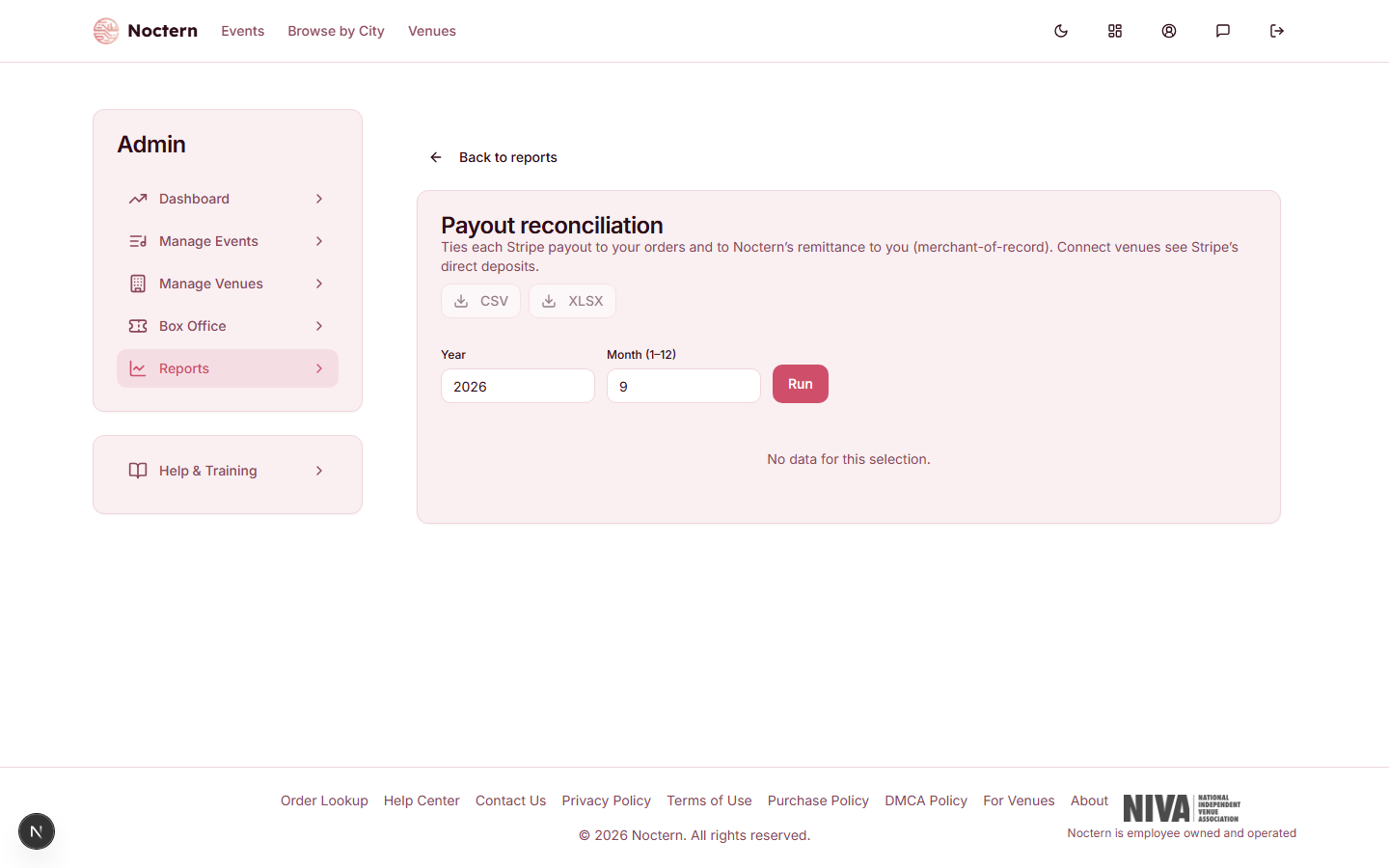
Choosing the month
Enter a Year and a Month (1–12) and click Run. The report opens on the current month. It lists the card payouts that arrived during that calendar month — up to 100 of them.
Columns
| Column | What it shows |
|---|---|
| Payout | The card processor's identifier for the payout |
| Arrival | The date the payout arrived |
| Gross | What was charged to cards on your venue's orders in this payout |
| Stripe fees | The card processing fees on those charges |
| Refunds | Money returned to buyers |
| Net to venue | Your venue's share of those orders: your ticket revenue on tickets that are still valid, plus donations, less refunds. This is your revenue figure, not Gross minus the fees column |
| Remitted | The part of Net to venue that belongs to events Noctern has already recorded as paid to you |
| Variance | Net to venue minus Remitted — what has not been recorded as paid yet |
Summary tiles
Above the table: Mode, Payouts, Gross, Stripe fees, Refunds, Net to venue, Remitted and Variance for the month.
Mode tells you which arrangement the report is describing — Noctern (merchant of record) or Stripe Connect.
Reading the variance
- $0 — everything in that payout has been paid to you.
- Above $0 — usually an event that has not been paid out yet. Noctern pays per event, so a payout that arrives before the event's payout is recorded shows a variance until it is.
- Still there after the event was paid — contact Noctern support with the month and the payout identifier.
Remitted is worked out from which events have been marked as paid. This report is a tie-out, not a bank statement — the payout statement Noctern prepares for each event is the record of what you were paid.
How current it is
Card payout data is fetched from the card processor and then kept for up to 6 hours, so a payout that arrived in the last few hours may not be listed yet. CSV and XLSX download the same data.
What is not on this report
- Cash and check sales. Your venue collected that money directly, so no card payout carries it. Use the Ticket ledger and Daily cash.
- Venues with their own connected Stripe account. The report still opens and lists the deposits made to your bank, with a variance of $0 — nothing is owed by Noctern on those orders. Stripe payouts (Connect) shows the same deposits order by order.
Fee share rebate on your payout statement
If your venue has a negotiated fee share, Noctern pays you back that share of its service fee on each event. Buyers are charged the full service fee at checkout; your share comes back as its own line, Fee share rebate, on the event's payout statement.
- What it's based on: the service fee on the event's tickets that have not been refunded when the payout is recorded. Online sales, box office card sales and door card sales all count. Cash, check and offline sales carry no service fee, so they add nothing.
- How it's worked out: your fee share percent times that service fee, rounded to the nearest cent for the event as a whole.
- Amount due: the statement shows your ticket revenue, then the fee share rebate, then the Amount due to venue, which is the two added together, less any adjustment below.
- Venues with their own connected Stripe account: the rebate is still owed, and Noctern pays it separately.
The rebate is paid along with the event payout. Nothing is sent automatically — Noctern records the payment.
You can also see the rebate for one show as the Fee share rebate row on its Event Profit & Loss page.
Fee share rebate adjustment
Once an event's payout is recorded, it stays closed. If tickets for that event are refunded afterwards, the rebate already paid on their service fee comes off your next event payout, as a negative Fee share rebate adjustment line that names the earlier event.
Each adjustment is deducted once, from the first payout recorded after the refund. The earlier event's payout is never reopened or changed.
Membership fee share
A venue payout statement for a date range includes a Membership fee share line: your fee share percent times the service fee on memberships sold in that range. Memberships sold before this line was added have no stored service fee and count as zero.
You can have this report emailed — see Scheduling and emailing reports automatically. A scheduled Payout reconciliation always covers the month it is sent in, so schedule it monthly on day 28 to get a nearly complete month. Sent on the 1st, it would cover a month that has only just started.